Appearance
ZynoSales Categories
WebWorkstationCreate, rename, move, and delete product categories used in Salespoint and the product catalog. Open Admin > ZynoSales > Categories.
Open this page from Admin > ZynoSales > Categories.
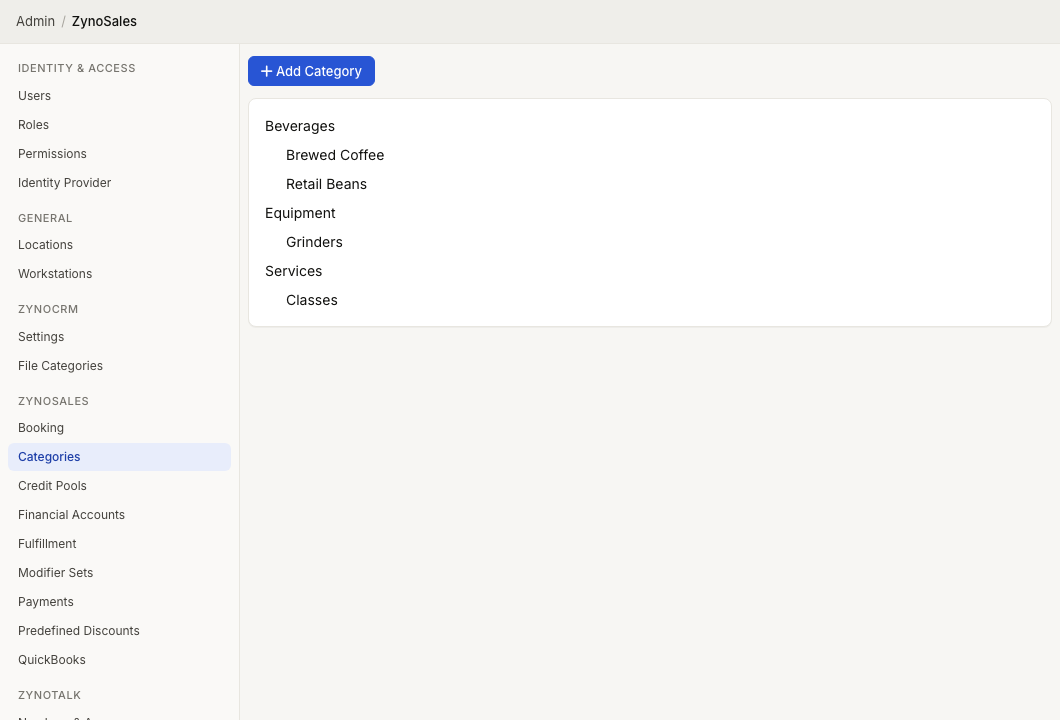
Category list
Categories are shown as an indented hierarchy. Top-level categories appear first, and child categories appear under their parent category.
Select a category name to edit it. The parent picker shows category paths so you can distinguish categories with the same name under different parents.
Add a category
- Select Add Category.
- Choose a Parent, or leave it as (none) for a top-level category.
- Enter the category Name.
- Select Create.
Edit a category
- Select the category name.
- Change the Parent or Name.
- Select Save.
Changing the parent moves the category in the hierarchy. Products assigned to the category remain assigned to it.
Delete a category
- Select the category.
- Select the delete icon.
- Confirm the deletion.
Before deleting, confirm that products are not still assigned to the category or that your team is prepared to reassign them.