Appearance
Stripe Account
WebWorkstationMobileThe Stripe Account page connects ZynoSales to Stripe so your organization can process card payments. Card terminals, mobile card readers, keyed card payments, and saved-card workflows all depend on a connected Stripe account.
Open Admin > ZynoSales > Payments, then select the Stripe Account tab.
Setup payments
If no Stripe account is connected, you see Setup Payments.
- Select Setup Payments.
- Complete the Stripe setup flow in the Stripe page that opens.
- Return to ZynoSuite after Stripe sends you back.
- Reopen the page if the status has not refreshed.
ZynoSuite may show Account Setup Started if setup has begun but is not finished.
Continue setup
If you see Account Setup Started, select Continue Setup to return to Stripe and finish the required steps.
You may need to continue setup when:
- Business details are incomplete.
- Ownership or representative details are missing.
- Stripe needs bank or payout information.
- Stripe requires additional verification.
Active account
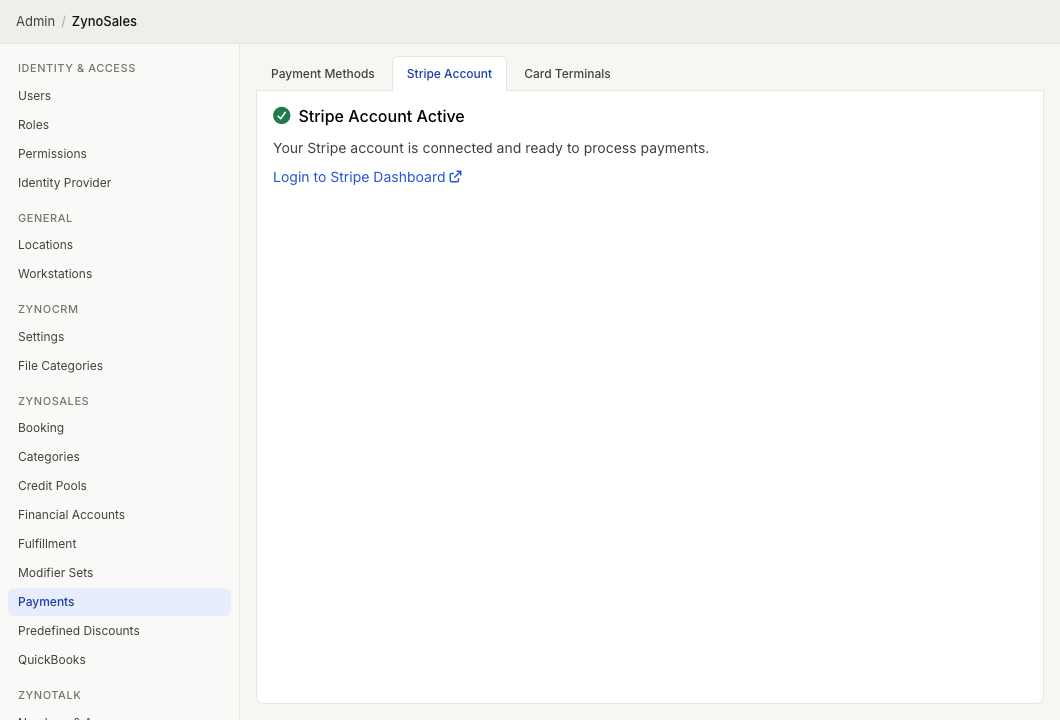
When setup is complete, you see Stripe Account Active and the message that the account is connected and ready to process payments.
Use Login to Stripe Dashboard when you need to manage Stripe account details, payouts, disputes, verification, or Stripe-side settings.
After Stripe is active
After the account is active:
- Confirm Card is enabled under Payment Methods.
- Register physical terminals under Card Terminals, if you use countertop terminals.
- Connect mobile readers from Settings > Card Reader in ZynoSuite Mobile, if you take mobile payments.
- Run a controlled test payment before using a new location or device with customers.
Troubleshooting
If card payments are unavailable:
- Confirm this page shows Stripe Account Active.
- Confirm Card is enabled on Payment Methods.
- For countertop terminals, confirm the terminal is registered under Card Terminals.
- For mobile readers, confirm the reader is connected in the mobile app.
- Check the Stripe Dashboard for account verification or payout issues.