Appearance
Starting & Ending Sessions
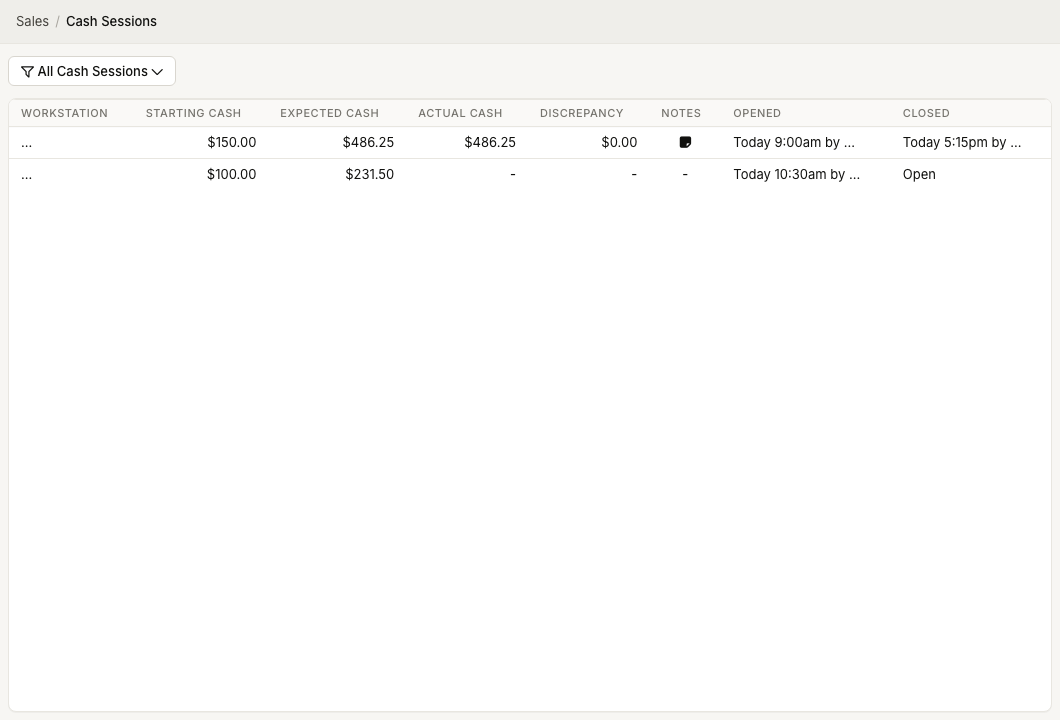
WorkstationStart a cash session when a cash drawer begins use, and end it when the drawer is counted. This workflow is designed for ZynoWorkstation because it depends on workstation and cash drawer setup.
Permission required
You need Salespoint access. Opening the drawer or managing drawer sessions can require additional cash drawer permission.
Start a cash session
- Open ZynoSales > Salespoint on ZynoWorkstation.
- Open the cart actions menu.
- Select More....
- Under Cash, select Begin Cash Session.
- Enter the starting cash amount.
- Confirm the starting amount.
ZynoSuite records the session and updates Salespoint so the workstation knows a cash session is open.
End a cash session
- Open ZynoSales > Salespoint on the same workstation.
- Open the cart actions menu.
- Select More....
- Under Cash, select End Cash Session.
- Review Expected Cash.
- Count bills and coins by denomination.
- Add notes if needed.
- Select Close Session.
- Confirm the actual cash amount.
ZynoSuite records the actual cash, denominations, notes, and any variance.
Denominations
The close session window supports counts for:
- Bills: $100, $50, $20, $10, $5, $2, $1.
- Coins: $1, 50 cents, 25 cents, 10 cents, 5 cents, 1 cent.
The total cash is calculated from the denomination counts.
Common issues
| Problem | What To Check |
|---|---|
| Begin Cash Session is missing | Confirm cash payments and cash drawer setup are enabled |
| Expected cash is not loaded | Confirm the workstation has an open cash session |
| Variance appears | Recount the drawer, then use notes to explain confirmed differences |
| Drawer will not open | Check workstation hardware, drawer connection, and permissions |